Building a Community Around Positive Gaming Experiences
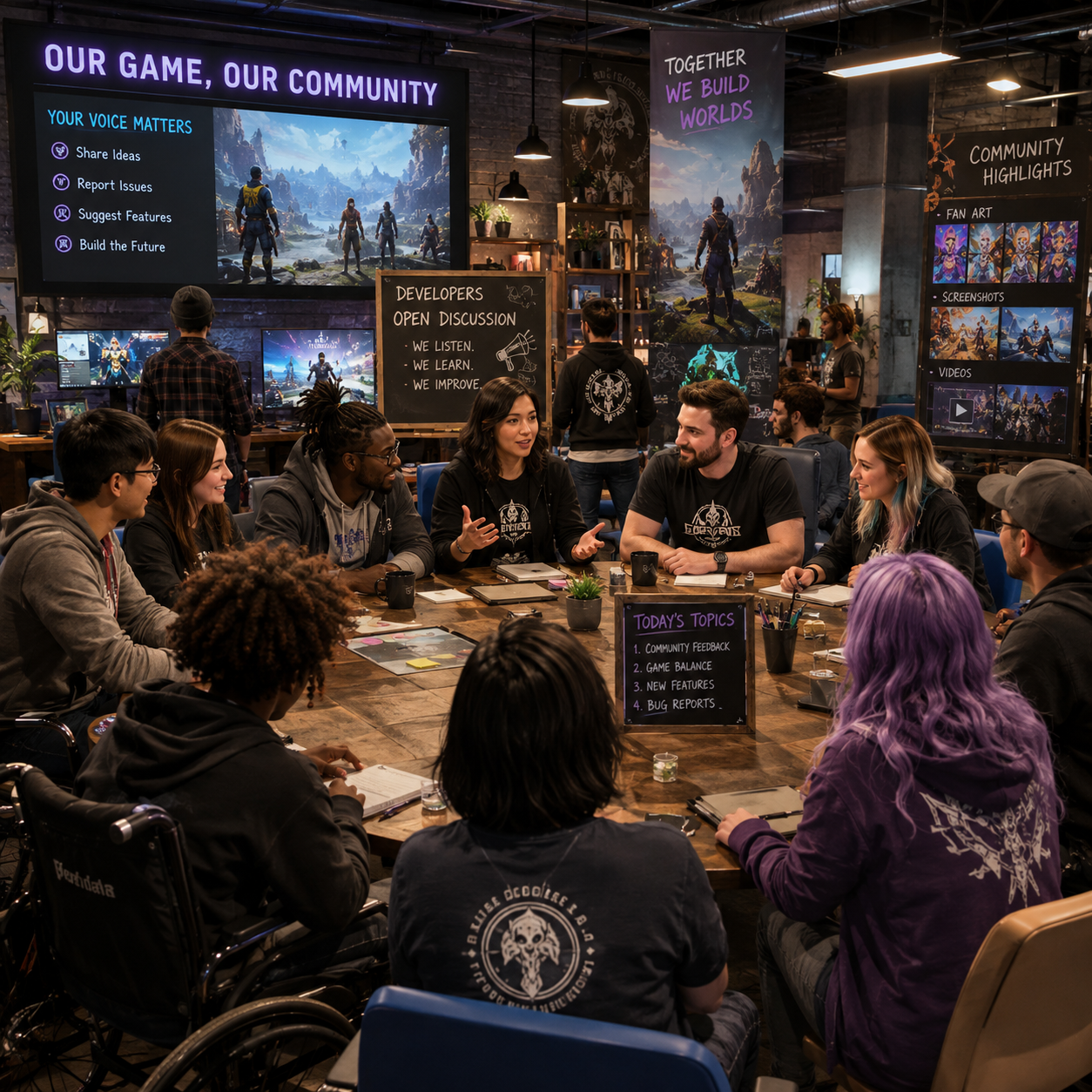
A strong player community gives a game lasting energy beyond its core mechanics. For a game development studio, that community is also a living source of insight, creativity, and trust. Building it well requires more than opening a Discord server or posting regular announcements. It means designing spaces where people can participate safely, offering accessible ways to play, listening carefully to player feedback, and following through on clearly explained decisions.
Positive gaming experiences do not require a conflict-free community. Disagreements will happen, and criticism is often useful. The goal is to create shared expectations and reliable systems that help players enjoy the game, express concerns, and treat one another with respect.
Define What a Positive Gaming Community Means
A positive gaming community is one where players can enjoy the game, express themselves, and collaborate without harassment or unnecessary barriers. Its foundation is a shared culture of respect, inclusion, creativity, cooperation, and enjoyment.
Before choosing platforms or engagement tactics, a studio should describe the behaviors it wants to encourage. A practical values statement might include:
- Respect: Critique ideas and gameplay without attacking people.
- Inclusion: Welcome players across identities, abilities, languages, and levels of experience.
- Creativity: Make room for fan art, strategy discussions, mods where appropriate, and imaginative play.
- Collaboration: Reward helpful explanations, teamwork, and constructive problem-solving.
- Enjoyment: Recognize that players seek different experiences, from competition and mastery to relaxation and social connection.
These values should appear in community guidelines, moderator training, event design, and product decisions. If a studio says it values inclusion but ignores accessibility reports, players will judge the gap between its language and its conduct. Trust grows when stated principles consistently shape everyday interactions.
It also helps to define unacceptable behavior precisely. Terms such as harassment, hate speech, targeted abuse, griefing, spam, and doxxing should have understandable meanings. Clear language gives players confidence that rules are more than broad promises.
Design Community-Friendly Player Experiences
Community-friendly player experiences come from game systems that support communication, cooperation, accessibility, and healthy participation. Onboarding, social mechanics, and safety features should be considered part of the game design rather than added after launch.
Start with the first session. New players need to understand how to communicate, how to report problems, and how to control their social exposure. A short tutorial can explain voice and text chat, privacy options, block functions, and team expectations without interrupting play.
Build healthier interaction into the game
- Offer cooperative objectives that require different useful roles instead of rewarding only one style of play.
- Use contextual communication tools, such as quick pings or preset messages, for players who do not want to use voice chat.
- Give players control over invitations, friend requests, direct messages, and matchmaking preferences.
- Make positive actions visible through commendations, helpful-player prompts, or end-of-session appreciation.
- Avoid systems that encourage repeated humiliation, public targeting, or punishment for unavoidable mistakes.
Every social feature has a trade-off. Open voice chat can create spontaneous teamwork, but it can also increase harassment and make participation harder for players with hearing, speech, or anxiety-related barriers. Flexible settings, mute options, text alternatives, and well-designed matchmaking help preserve connection without forcing one communication style on everyone.
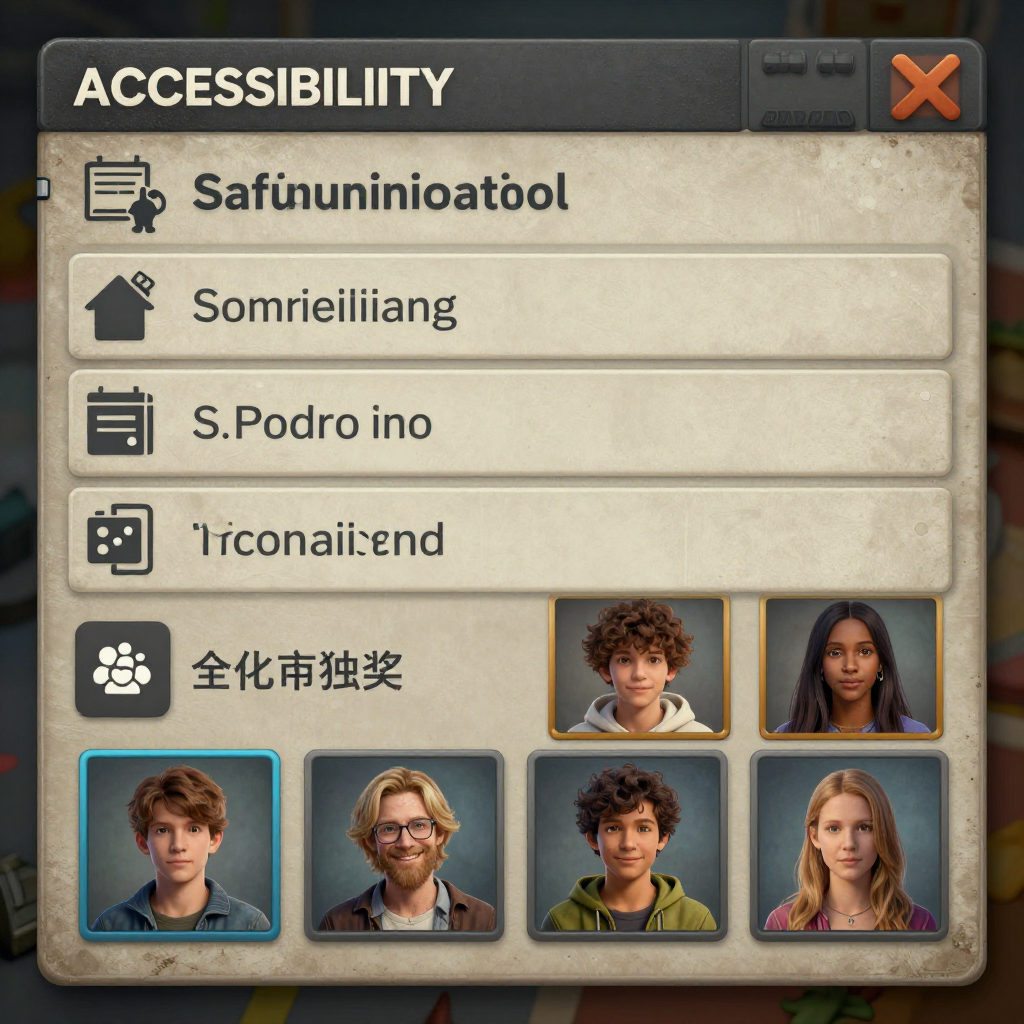
Inclusive game design should also consider pacing, color contrast, readable typography, remappable controls, subtitles, audio customization, difficulty options, and clear visual feedback. Accessibility features benefit a wide range of players, including people playing on small screens, in noisy rooms, or with temporary injuries.
Create Clear Community Guidelines and Moderation Practices
Clear community guidelines and consistent moderation create safer gaming spaces by explaining expectations, providing reporting routes, and applying rules fairly. Moderation should protect participation and repair trust, not function only as punishment.
Publish the rules where players can easily find them: during onboarding, in community hubs, on support pages, and near reporting tools. Explain what happens after a report, even if the details of individual cases must remain private. Players do not need every enforcement decision disclosed, but they do need to know that reports enter a real process.
Use a practical moderation system
- Prevent: Build privacy controls, filters, rate limits, and friction against spam into the product.
- Detect: Combine player reports, automated signals, moderator observation, and escalation channels.
- Review: Assess context, intent, history, and potential harm rather than relying on a single keyword.
- Respond: Apply proportionate actions, from warnings and content removal to temporary or permanent restrictions.
- Learn: Review patterns to identify design changes, recurring conflicts, or unclear rules.
Moderators need training, escalation procedures, and protection from burnout. A small studio may use trusted contractors or platform tools, but it still owns the standard of care. Automated moderation can handle volume, yet it may miss sarcasm, context, reclaimed language, or coordinated abuse. Human review remains important for serious or ambiguous cases.
Common moderation mistakes are predictable. Vague rules create inconsistent enforcement. Silent enforcement makes players assume reports disappear. Public arguments between moderators and players can turn an individual incident into a community spectacle. The correction is straightforward: define categories, document decisions internally, communicate patterns publicly, and keep case-specific information private.
Make Player Feedback Part of Development
Player feedback should enter a structured development loop: collect it, evaluate it against evidence and goals, communicate the decision, and revisit the result after release. Listening does not mean accepting every request; it means treating players as informed participants in the product’s evolution.
Use several feedback channels because each reveals a different part of the player experience:
- In-game surveys capture reactions close to the moment of play.
- Support tickets reveal account, usability, accessibility, and safety problems.
- Community discussions expose recurring frustrations and unexpected strategies.
- Playtests reveal confusion that players may not articulate in written feedback.
- Telemetry can show where players leave, repeat actions, or struggle, but it cannot explain every reason.
Organize feedback by problem rather than by the loudest individual suggestion. A useful review grid asks four questions: How often does the issue appear? How much harm or frustration does it cause? Which players are affected? Can the studio address it without damaging the intended experience?
For example, players may request an easier boss because they are abandoning a level. The deeper issue could be unclear attack cues, an accessibility barrier, an unusually long run-back, or a mismatch between the intended challenge and the onboarding. Testing the underlying problem produces a better solution than simply lowering difficulty.
Communicate outcomes in plain language. A development update can state what the studio heard, what it is changing, what it is still investigating, and why some requests will not be prioritized. This protects creative direction while showing respect for the people who offered their time. Avoid promising dates until the team understands the technical risk.
Encourage Meaningful Participation Beyond Gameplay
Meaningful participation beyond gameplay gives players additional ways to connect with the world, the studio, and one another. Events, showcases, discussions, and developer updates work best when each has a clear purpose rather than serving as constant promotional content.
A studio can create a balanced community calendar with activities such as:
- Developer play sessions where the team answers selected questions in real time.
- Player showcases for fan art, level designs, accessibility tips, strategy guides, or memorable clips.
- Constructive design discussions focused on a specific system or upcoming change.
- Community challenges that reward creativity or cooperation rather than only elite performance.
- Behind-the-scenes posts explaining iteration, sound design, narrative choices, or technical constraints.
Participation should not require constant availability. Record important developer updates, summarize live discussions, and offer asynchronous ways to contribute. This helps players across time zones and those who cannot use voice chat or attend scheduled events.
Recognition also needs care. Public leaderboards can motivate some players while discouraging others. Consider rotating themes, team-based goals, contribution spotlights, and noncompetitive acknowledgments. The measure of a successful event is not simply attendance; it is whether participants felt welcome and whether the activity strengthened useful relationships.
Support Inclusion, Accessibility, and Belonging
Inclusion, accessibility, and belonging improve when a studio removes practical barriers and represents different players in both its game and its community spaces. These goals require continuous testing with people who have varied experiences, identities, devices, and abilities.
Accessibility should exist across the complete player journey. Review account creation, tutorials, menus, gameplay, communication, customer support, and community events. Useful options may include:
- Subtitles with speaker identification and adjustable size.
- Colorblind-friendly visual language and non-color indicators.
- Remappable controls, hold-to-toggle choices, and controller support.
- Screen-reader-friendly menus and strong keyboard navigation where relevant.
- Adjustable text and voice chat controls, including captions or text alternatives.
- Difficulty, timing, camera, motion, and sensory settings that reduce avoidable strain.
Representation matters, but it should connect to meaningful agency rather than surface decoration. Consult sensitivity readers, accessibility specialists, and diverse playtesters when appropriate. Compensate external contributors for substantial expertise, and explain how their input influenced decisions.
Community managers can reinforce belonging through welcoming language, pronouncing names correctly, respecting pronouns, highlighting varied creators, and responding quickly to exclusionary behavior. No single feature solves every barrier. The strongest approach combines inclusive game design, accessible communication, fair moderation, and visible accountability.
Measure Community Health and Improve Continuously
Community health improves when a studio combines participation data, safety indicators, player sentiment, and direct qualitative feedback in regular reviews. No single metric can show whether a community is positive, because high activity can coexist with harassment or burnout.
Useful indicators include:
- Participation: Returning contributors, event attendance, discussion activity, and the range of players taking part.
- Safety: Report volume, repeat offenses, response times, appeal outcomes, and unresolved serious cases.
- Experience: Player survey responses about welcome, fairness, accessibility, and confidence in moderation.
- Feedback quality: Repeated themes, actionable reports, playtest discoveries, and the percentage of issues receiving a documented decision.
- Inclusion: Use of accessibility features, feedback from underrepresented groups, and barriers identified through research.
Interpret numbers carefully. A fall in reports may mean fewer violations, or it may mean players have stopped trusting the reporting system. A rise in discussion may reflect excitement, confusion, or conflict. Pair dashboards with monthly or quarterly reviews of anonymized cases, player interviews, moderator notes, and accessibility testing.
Use a simple improvement cycle: identify a pattern, choose one intervention, define what change you expect, review the evidence, and adjust. A studio might notice that new players receive frequent hostile messages during their first week. It could test better matchmaking, stronger privacy defaults, clearer onboarding, and targeted moderation, then compare safety and retention signals without treating retention as the only objective.
Positive gaming experiences are built through repeated decisions. When community management, inclusive game design, player feedback, accessibility, moderation, and online safety share the same priorities, the player community becomes a genuine partner in development. The work continues after launch, but so does the opportunity to create a game space where more people can participate with confidence and enjoyment.